
Project Overview
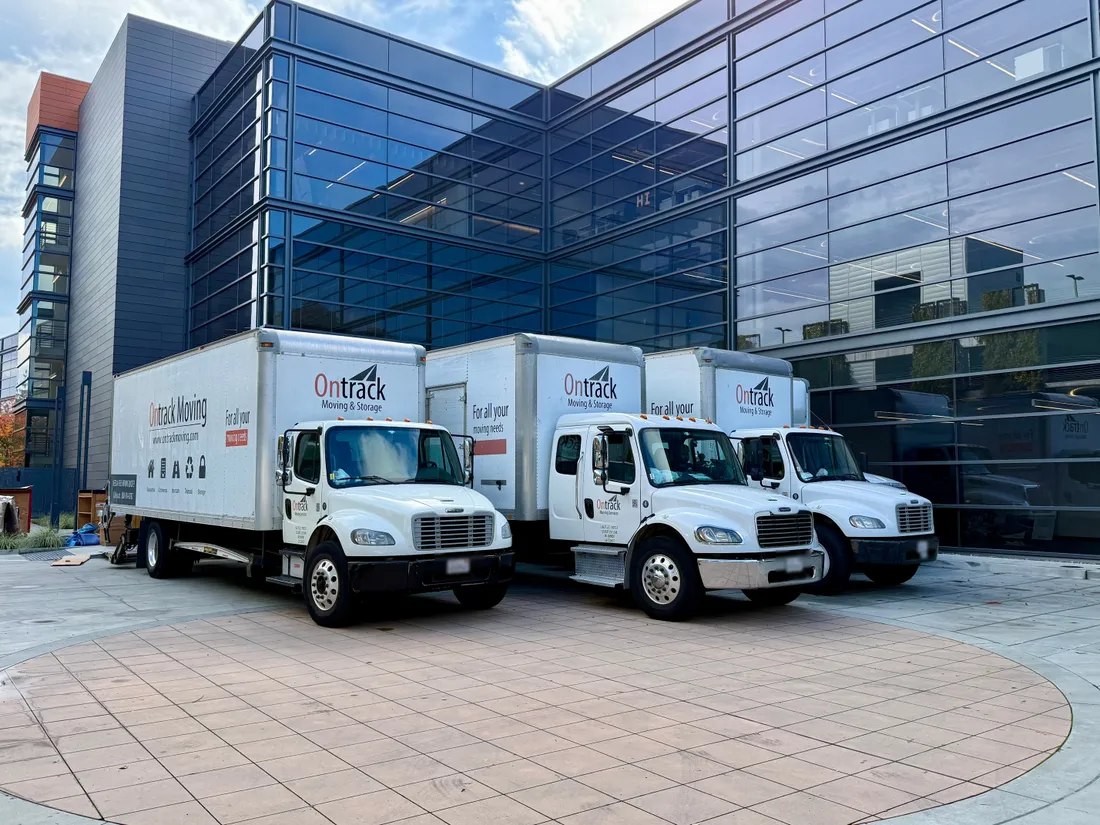
Ontrack Moving® relocated CoreWeave's 17,000 square foot Sunnyvale office from a third-floor suite into a 39,314 square foot fourth-floor suite in a building about five minutes away. The office held 174 open workstations plus conference rooms, a kitchen, a copy room and a storage room. The move ran in three parts: a prep day, one main move day with three trucks, twelve movers and an additional foreman, and after-move support.
Project at a Glance
- The client: CoreWeave, an AI cloud computing company.
- The main day: about ten hours.
- The screens: nearly 300 monitors, disconnected by Ontrack; 13 TVs in soft crates.
- The servers: disconnected by CoreWeave's IT team, relocated by Ontrack.
- The building: a certificate of insurance and Masonite floor protection.
How Did Ontrack Work With CoreWeave's Office Manager?
Ontrack Moving® worked alongside CoreWeave's office manager and took on the parts of the move that usually land on that one person.
Every office move has one person in the middle of it, fielding questions from employees, the building, IT and leadership at the same time. That person is looking for a mover that brings solutions. On Ontrack's side, the estimator who walked the office coordinated the move with CoreWeave's office manager from the survey through after-move support.
What Ontrack Took Off the Office Manager's Plate
- The building's requirements: the certificate of insurance and the floor protection.
- Labels, auto-bottom boxes and packing materials, delivered before the prep day.
- Matching the labeling system to CoreWeave's own layout, with executive offices given their own priority.
- Employee moving instructions covering what each person prepared at their own workstation.
- Unmounting the TVs, meeting room electronics and cameras on the prep day.
- Disconnecting the monitors, to take that work off CoreWeave's IT team.
- Splitting the crew across both buildings' elevators on move day.
How Do You Move Nearly 300 Monitors Without Losing Track of Them?
Ontrack Moving® disconnected CoreWeave's monitors at the old suite, covered them in foam protectors, bagged each workstation's keyboard and peripherals, and routed them to labeled spots at the new suite.
Most of this move was screens. Disconnecting the monitors took that work off CoreWeave's IT team, which disconnected the servers itself while Ontrack relocated them. The job used 282 monitor foam covers and 174 keyboard and peripheral bags, and the plan kept dual monitors together with their cables attached so the pair and its cable arrive at the desk together. Everything rolled out on twenty machine carts and eight panel carts.
How Were Workstations Routed to the New Suite?
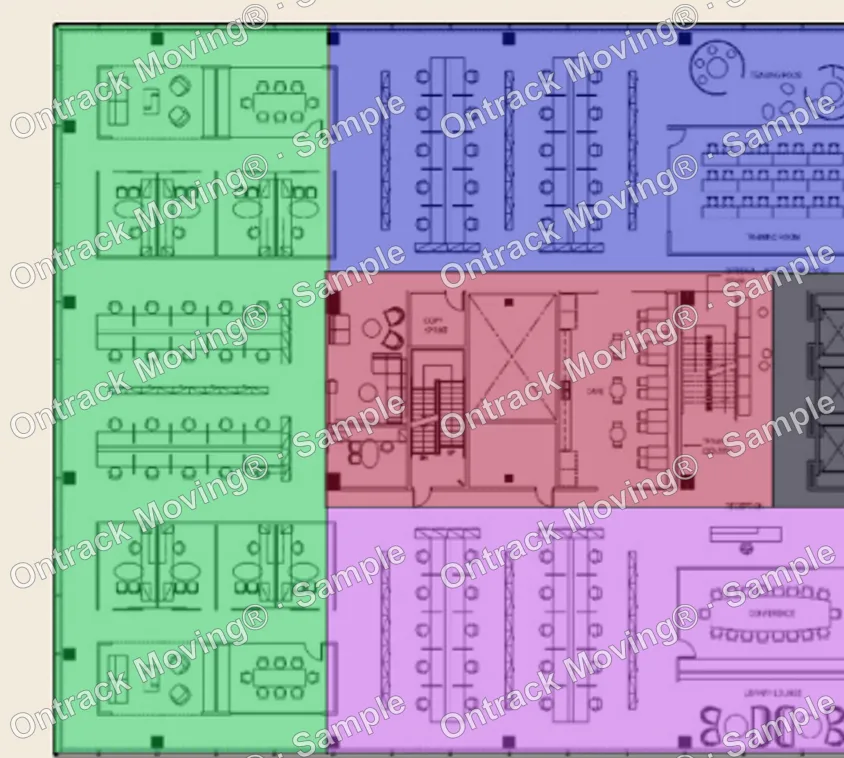
Ontrack Moving® paired its color and number labeling system with a layout diagram CoreWeave prepared for the new suite, so each label pointed to a spot on that layout.
The labels did half the work. The other half came from CoreWeave: the old office supplied the current employee names and room names, and CoreWeave prepared the layout of the new suite. Ontrack worked with CoreWeave's team to match the two, and Ontrack's employee moving instructions covered what each person prepared at their own workstation and what the crew would handle. That mattered on a day when part of the crew was unloading at the new building while the rest was still loading at the old one.
How the Labeling System Worked
- CoreWeave supplied the current employee names and room names at the old office.
- CoreWeave prepared a layout diagram for the new suite.
- Label colors set the move sequence, first, second, third and on, with executive offices given their own priority level.
- Each label carried a number and a name that matched a spot on the layout.
- At the new suite, the crew matched each label to the layout and placed the item.
What Happened to the TVs, Meeting Room Equipment and Conference Tables?
Ontrack Moving® unmounted the wall-mounted TVs, along with their meeting room electronics and cameras, on the prep day before the main move, and broke down the conference tables.
The screens traveled in soft crates, eleven standard and two extra-large for the two 8 by 4 foot displays.
How Did the Move Get Around the Elevators?
Ontrack Moving® ran the move under its Phase-Shift Protocol™ because both buildings moved everything through their elevators: the crew split so unloading started at the new building while loading continued at the old one.
An elevator is the narrowest point of an office move, and here there was one at each end. If the whole crew loads first and then unloads, the new building's elevator sits idle while the old one works, and then the reverse. Splitting the crew put both to work, on a 17,000 square foot floor with a long carry from the far side to the elevator.
Ahead of the prep day, Ontrack delivered labels in eight colors, auto-bottom boxes made for office moves that fold together without tape, the packing materials, and twelve sheets of Masonite for the floors. The prep day came next, then the main move day, then after-move support, which covered rearranging furniture and picking up the empty boxes. TV mounting and installation are not part of a standard move.
In Charge of Your Company's Move?
Send us your seat count, monitor count and building rules. We will plan the trucks, crew and carts around them. See our Sunnyvale office movers page, the office relocation playbook, or call (888) 914-8787.
This is a real Ontrack Moving® project. Crew, truck, hours and materials figures come from the job's dispatch and billing records; scope and the move plan come from the moving proposal; the new suite size comes from the Kidder Mathews Q4 2025 Silicon Valley office market report. The photo was taken on the main move day, with license plates blurred.